
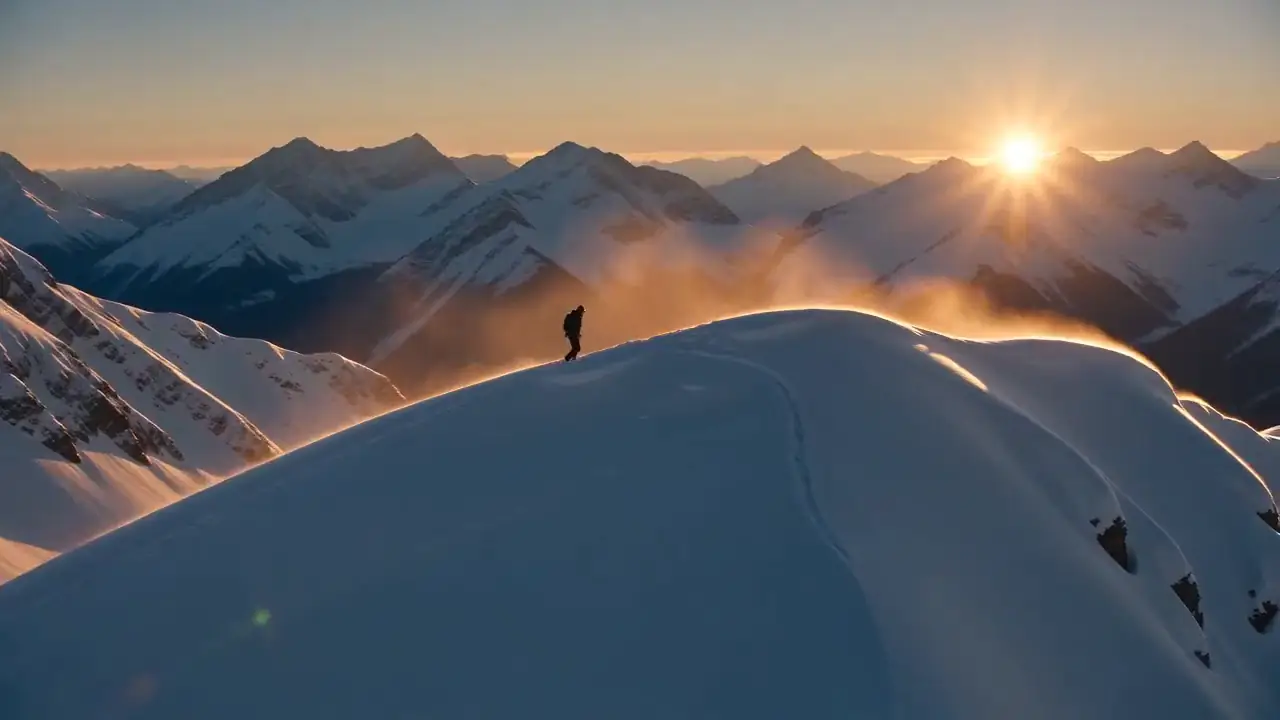
Draft at 720p, finish at 1080p or 4K
Lock motion and timing on lower-cost 720p drafts, then render the version you keep at 1080p or 4K.
50% Limited Sale
Upgrade yearlyTurn a prompt or photo into a 4, 6 or 8 second Veo 3.1 video at 720p, 1080p or 4K, with dialogue and sound in the same pass. Choose Fast or Quality — see the credit cost before you generate. Models originate from Google DeepMind; Veo 3 AI is a third-party generator via API and is not affiliated with Google.
Browse prompts for video and images. Pick a scene, adapt it to your story, and start creating.
AI generated supertall tower in Manhattan, 430m vertical structure sculpted by computational subtraction process, massive carved-out cavities
Try videoHANDHELD GUERILLA STYLE FOUND FOOTAGE VIDEO. GRITTTY AND NARROW ANGLE. HE IS HOLDING THE IPHONE CAMERA AND IS COMPLETELY OUTSIDE THE FRAME, NO GRAPHIC OVERLAY. FIRST PERSON CAMERA VIEW ONLY
Try videoYoung future astronauts in Space Scout vests and dark heather grey clothing floating and having fun in the zero gravity chambers at Space Camp Huntsville. Excited, joyful, whimsical children's ebook style, inspirational atmosphere.
Try videoUnder the gaze of the full moon, she rises. Stained glass and starlight, where the last colors of sunset still linger in the sky.
Try videoOne garden male gnome reaches and touches the other garden female gnome hand and the sky bursts into the stars and the Milky Way
Try videoA futuristic digital illustration of BlueGoo and Vera, Mother and Daughter Love is Always the Answer
Try videoAdvertise by holding this book with both hands in front. The background is outer space. Starlink satellites are swirling with golden light, and the suit glows in a cyber style. Akinari Tomimasu's logo flashes and becomes cyberized. Finally, it transforms into a cyber android with intense flashing.
Try videoAnimate the exact rocket from the provided image launching from the pad. White rocket with red nose, 'BG' on the side, bright orange flames. Dynamic launch sequence with camera movement.
Try videoReframe the entire scene into a wide landscape horizontal view, expanding and balancing the composition to 16:9 aspect ratio while preserving all key elements and details.
Try videoIridescent cornflowers glowing softly in a dreamy haze… Whispers of gentle light and quiet magic.
Try videoJapanese anime style, cyberpunk full technica, night view of academy city, futuristic giant buildings and neon-lit streetscape, high-tech academy city atmosphere, a silver dragon flying freely in the wind turning into clouds
Try videoRed fire and golden flame. Two blades, one destiny. Victoria and Edmund walk the moonlit shore as the old world burns behind them.
Try videoWays to start a Veo 3.1 video on this workspace and the controls that shape the result. Specs match what the product enables today: text-to-video, image-to-video, native audio, fixed 4/6/8 second lengths, and 720p–4K output. Credit cost is shown before every generation.
Describe the subject, motion, camera and sound. Veo3 renders 4, 6 or 8 second cinematic takes directly from your prompt in 16:9 or 9:16.
Upload a portrait or scene as the starting frame. Veo 3 animates natural motion while you keep control of length and resolution.
Anchor start and end frames to direct camera moves, narrative transitions and dramatic reveals with more control than a single still.
Dialogue, ambient sound and effects generated with the picture. Put spoken lines in quotes, or leave the scene silent when you prefer.
Pick a fixed length that fits Shorts, Reels and ads. Every generation is one coherent take — no stitching required.
Draft fast at 720p, then export 1080p or 4K finals. Aspect ratios include 16:9 landscape and 9:16 portrait.
Veo 3 AI wraps Google DeepMind’s Veo 3.1 Fast and Quality in a browser generator with credits you can see up front — plus Wan when you need longer clips. We access the models through an API provider; we do not claim to be Google, Gemini, or AI Studio.
Voices, ambience and effects are generated together with the frames, so sound stays in time with the action.
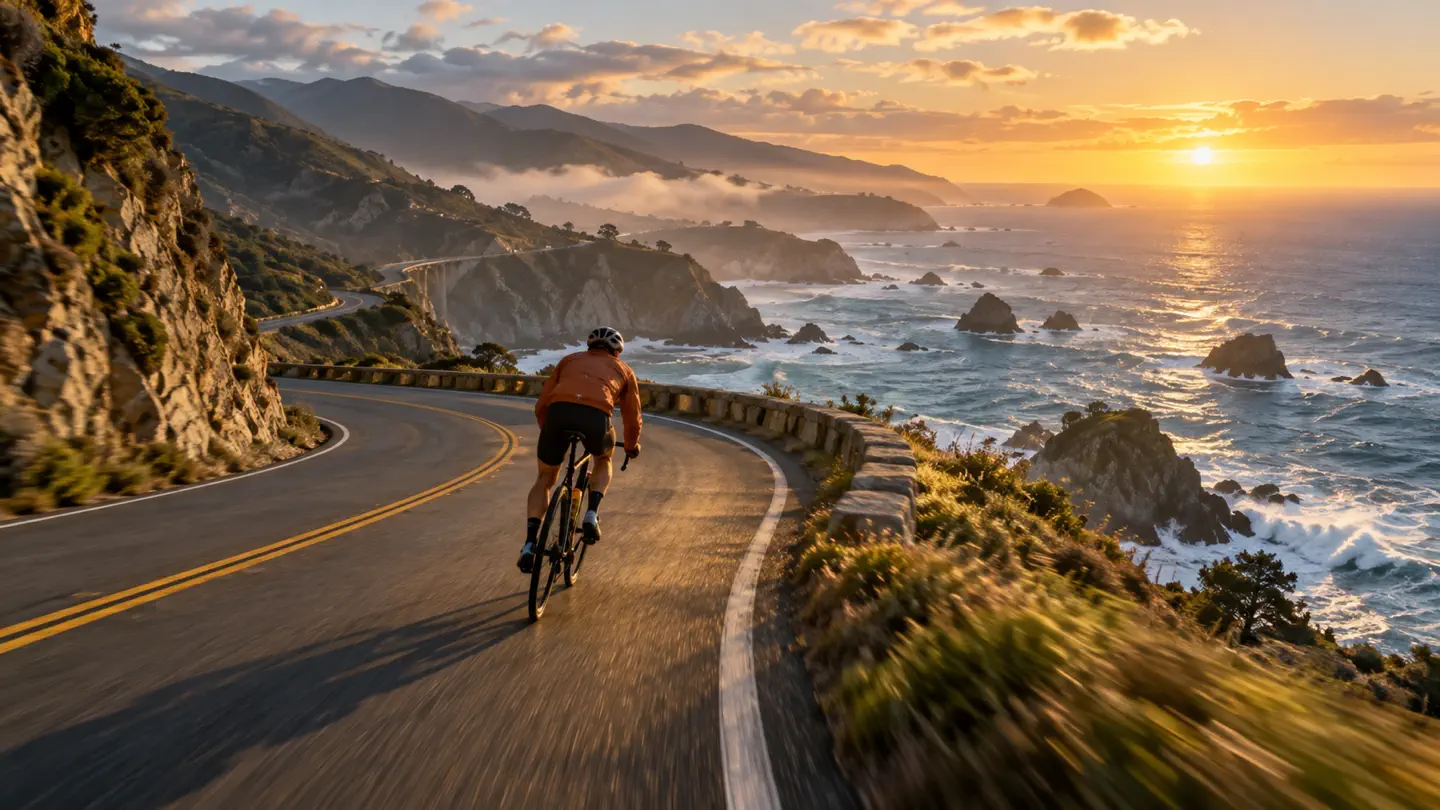
Export 720p drafts or 1080p and 4K finals in 16:9 or 9:16 — ready for social, ads and client work.
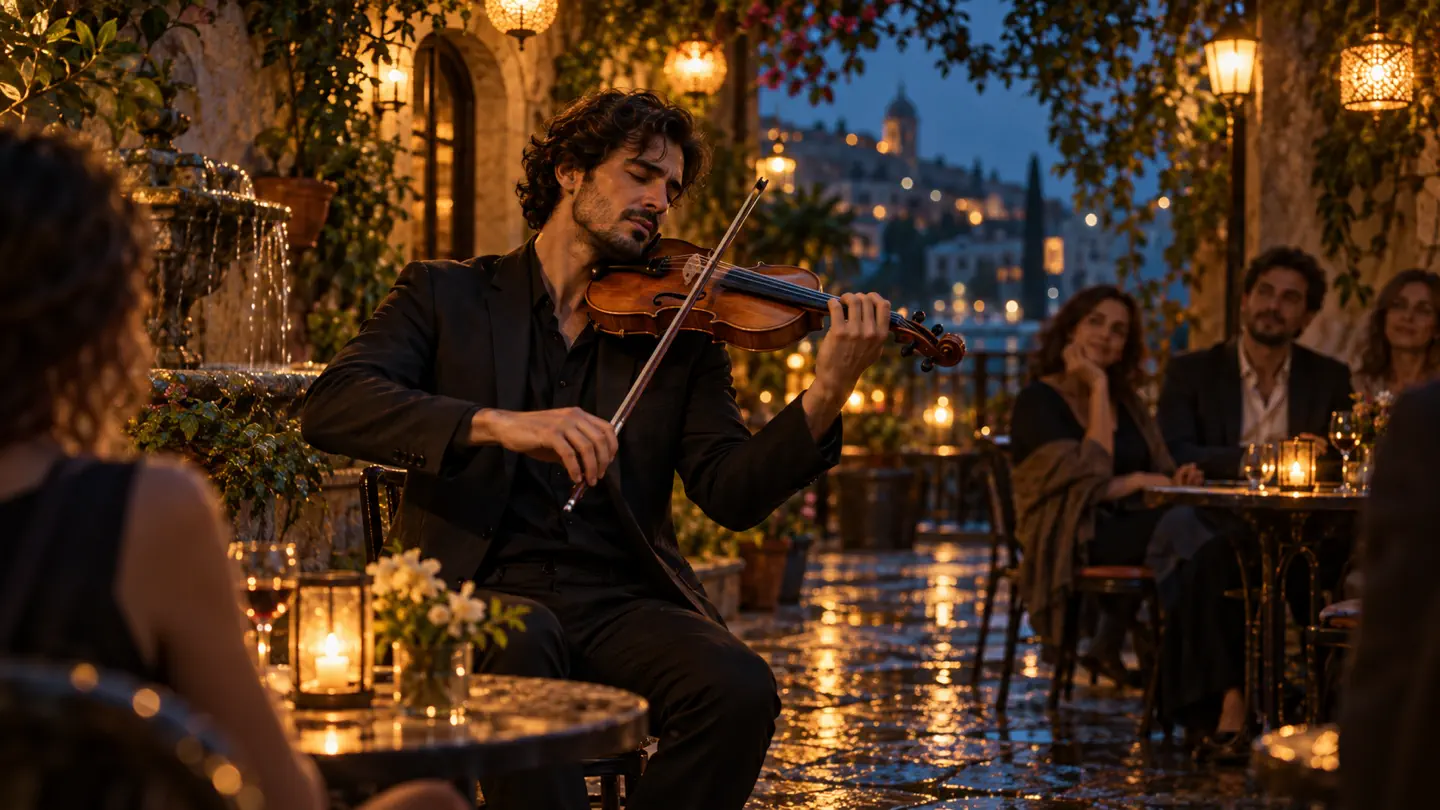
Veo 3.1 Fast for quick iteration; Quality when the final frame has to hold up on a large screen. Both share the same 4/6/8 second lengths.
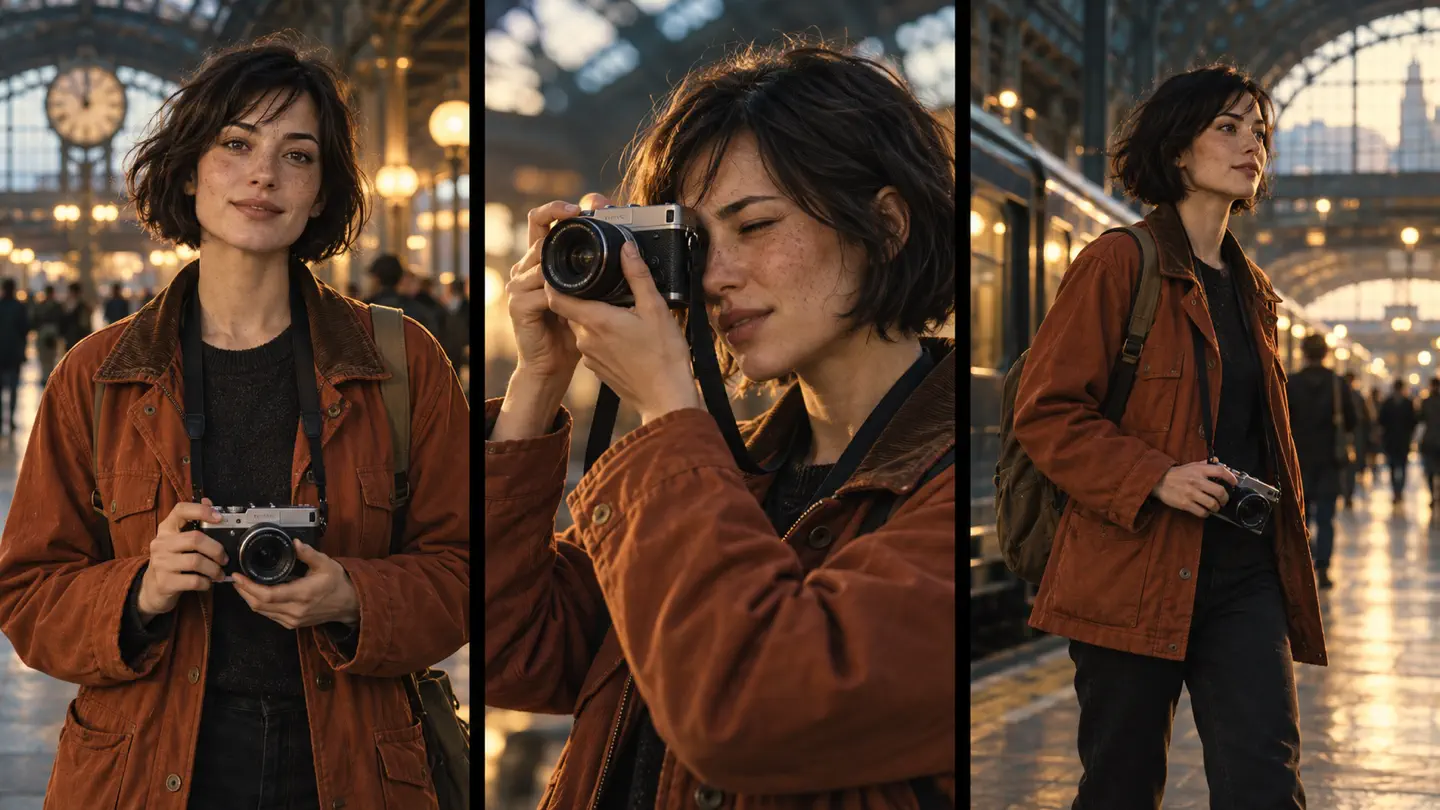
Veo3 Fast starts at 25 credits for a 720p clip. You always see the exact cost before confirming, and failed tasks are refunded automatically.
Pick text to video or image to video, then select Veo 3.1 Fast or Quality in the model menu. Wan models stay available if you need longer takes up to 30 seconds.
Name the subject, what happens over time, one camera move and what we should hear. Quote dialogue word for word when you want speech.
Choose 4, 6 or 8 seconds and 720p, 1080p or 4K. See the exact credit cost before generating, with automatic refunds if a task fails.
Prompt habits that hold up for short Veo3 cinematic clips with native audio. Each tip comes from how we run generations on this workspace and saves you a regeneration.
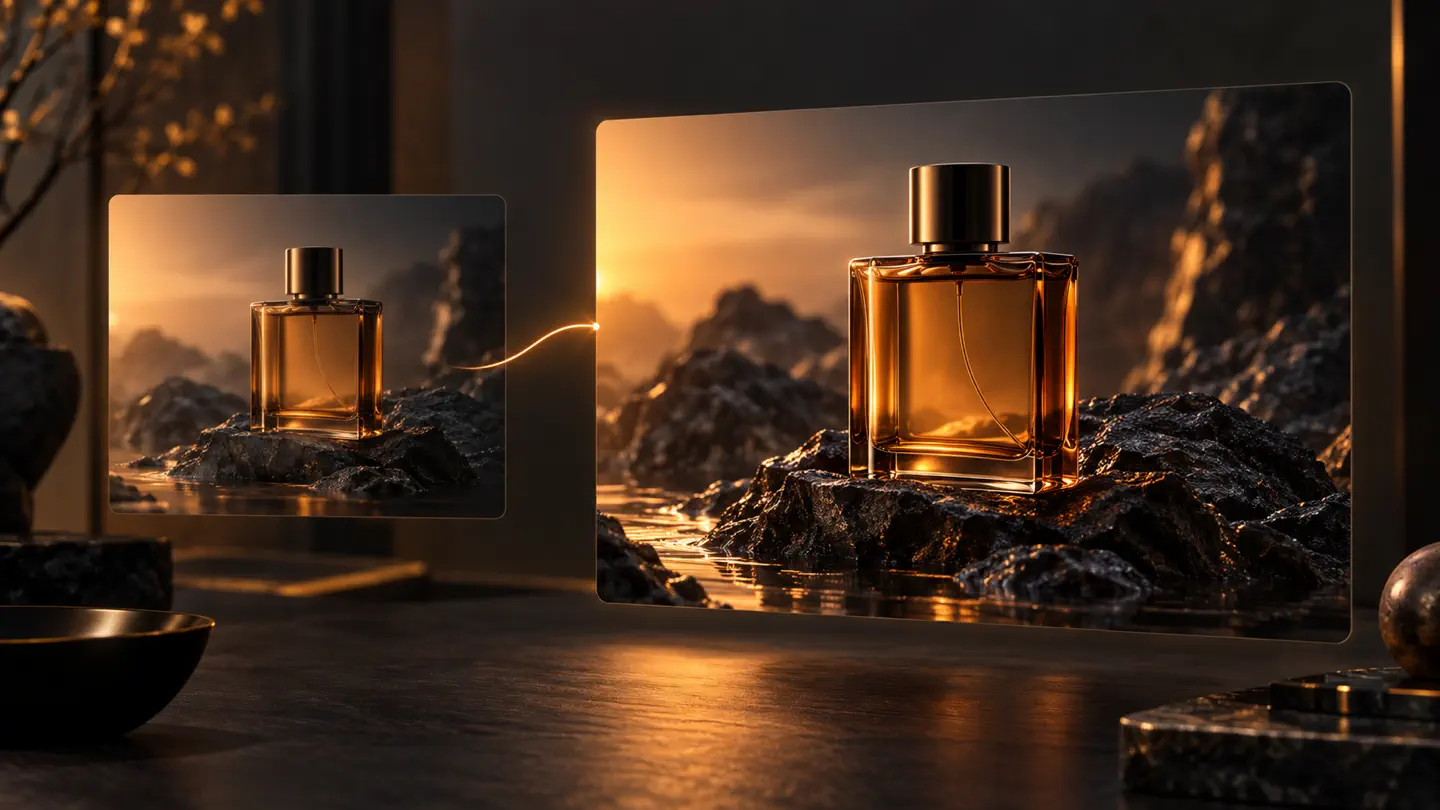
Lock motion and timing on lower-cost 720p drafts, then render the version you keep at 1080p or 4K.
Even eight seconds needs change. Say what happens first, what shifts, and how the shot ends.
"Slow dolly in from medium shot to close-up" works better than stacking pans, zooms and orbits in one sentence.
Credits cover Veo 3.1, Wan and other models on the platform. Subscribe or buy a one-time pack, and see the cost of each video before you generate. No fabricated user counts — just the meter you see in the form.
Save 50% with annual billing, plus 30% off every generation
Billed $179.40/year
6,000 credits−30% per generation
For casual creators exploring AI art
Billed $299.40/year
12,000 credits−30% per generation
For creators who generate daily
Billed $539.40/year
22,800 credits−30% per generation
For power users & studios
Yearly members pay 30% fewer credits
While a yearly plan is active, every Veo 3.1, Wan, Seedance and Seedream generation is charged at 70% of the listed credits, rounded up. A 5-second 720p Wan 3.0 video costs 20 credits instead of 28, a 1080p one 39 instead of 55.
Commercial license with every paid plan
Use the videos and images you create in ads, client projects, social media, and products you sell.
Veo is Google DeepMind’s video generation model family, also available through Google AI Studio and Gemini products. On this site you can use Veo 3.1 Fast and Quality to create 4, 6 or 8 second clips at 720p, 1080p or 4K from text or images, with native audio in the same pass.
No. Veo 3 AI (veo3-ai.net) is an independent third-party generator and is not affiliated with, endorsed by, or sponsored by Google. We provide a browser workspace, credit billing and storage. We call the models through an API provider. Google’s own channels (including Google AI Studio) remain the official source for Gemini / Veo products.
Each Veo 3 generation is 4, 6 or 8 seconds. You can choose 720p, 1080p or 4K and an aspect ratio of 16:9 or 9:16 (or Auto). Videos are delivered as MP4 files. These lengths and resolutions match what this product enables today.
Yes — dialogue, ambient sound and effects can be generated with the video (native audio). Watermark text is optional on generations; leave it blank for no custom watermark. Platform download rules for free accounts may still apply separately from model watermarks.
Billing is per video by resolution. Veo3 Fast starts at 25 credits for 720p (higher for 1080p and 4K). Quality costs more per clip. You always see the exact credit cost before confirming, and failed tasks are refunded automatically to your balance.
Yes, with a paid plan or credit pack: any purchase gives you a commercial license for content in your account. Content created on the free plan is for personal use only. In every case you are responsible for clearing rights to people, brands or music that appear in your videos.
The Veo 3 AI team maintains veo3-ai.net as an independent product. Wan 3.0 and related Wan models remain available for longer takes (up to 30 seconds) and different workflows. Use the model menu in the generator to switch.
Text prompts and image-to-video (including start and optional end frames on supported modes). Credit cost is calculated from your selected model, length and resolution before you submit. We do not invent unsupported inputs.
Can't find what you're looking for? Contact our support team
Write a shot brief or upload a photo, choose 4, 6 or 8 seconds, and generate your scene with native sound. Credits are refunded automatically if a generation fails.